> ## Documentation Index
> Fetch the complete documentation index at: https://docs.parahelp.com/llms.txt
> Use this file to discover all available pages before exploring further.
# Introduction
> Configurations are everything that shapes your Customer Agent.
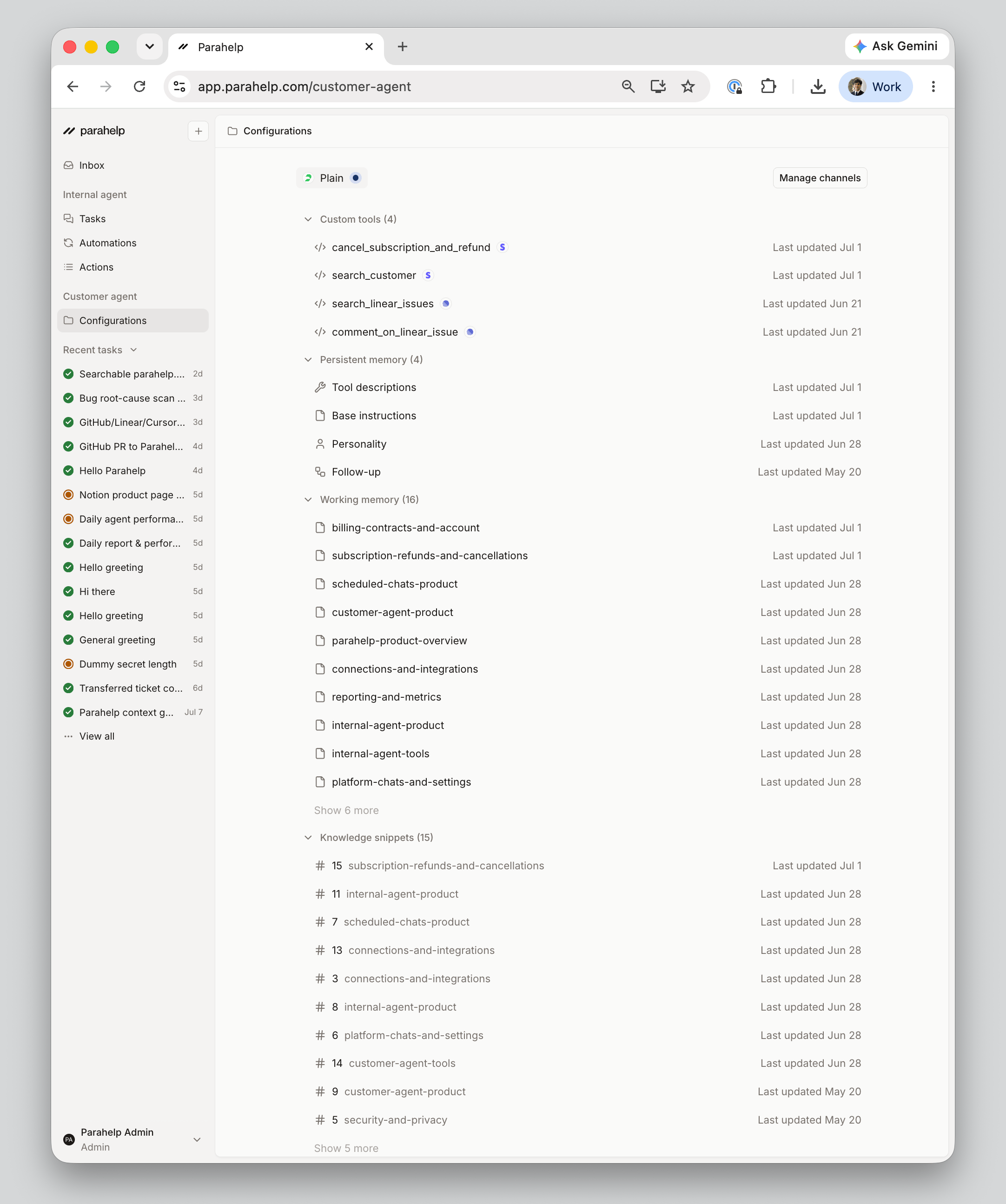
Configurations are everything that shapes your Customer Agent. Flows are built from these elements - a flow combines policies, knowledge, and tools into the behavior the agent follows for a ticket type.
The channels the Customer Agent handles tickets through.
The actions it can take on a ticket - base tools managed by Parahelp, and custom tools built by the Internal Agent.
The instructions it follows - persistent memory on every ticket, working memory for related tickets.
What it can search - knowledge snippets and web pages.
Transfer rules, deterministic checks enforced in code, and human approval for sensitive actions.
You change configurations by prompting the Internal Agent in a [task](/platform/tasks), and you can browse and edit them on the [Configurations page in the app](https://app.parahelp.com/configurations).